Version 1.59 brought onsite name labels. Version 1.60 is about the card the label is stuck on: how it looks, and the file you send to have it printed.
CueQuote 1.60: badge layouts in your colours and a print file for pre-printed cards
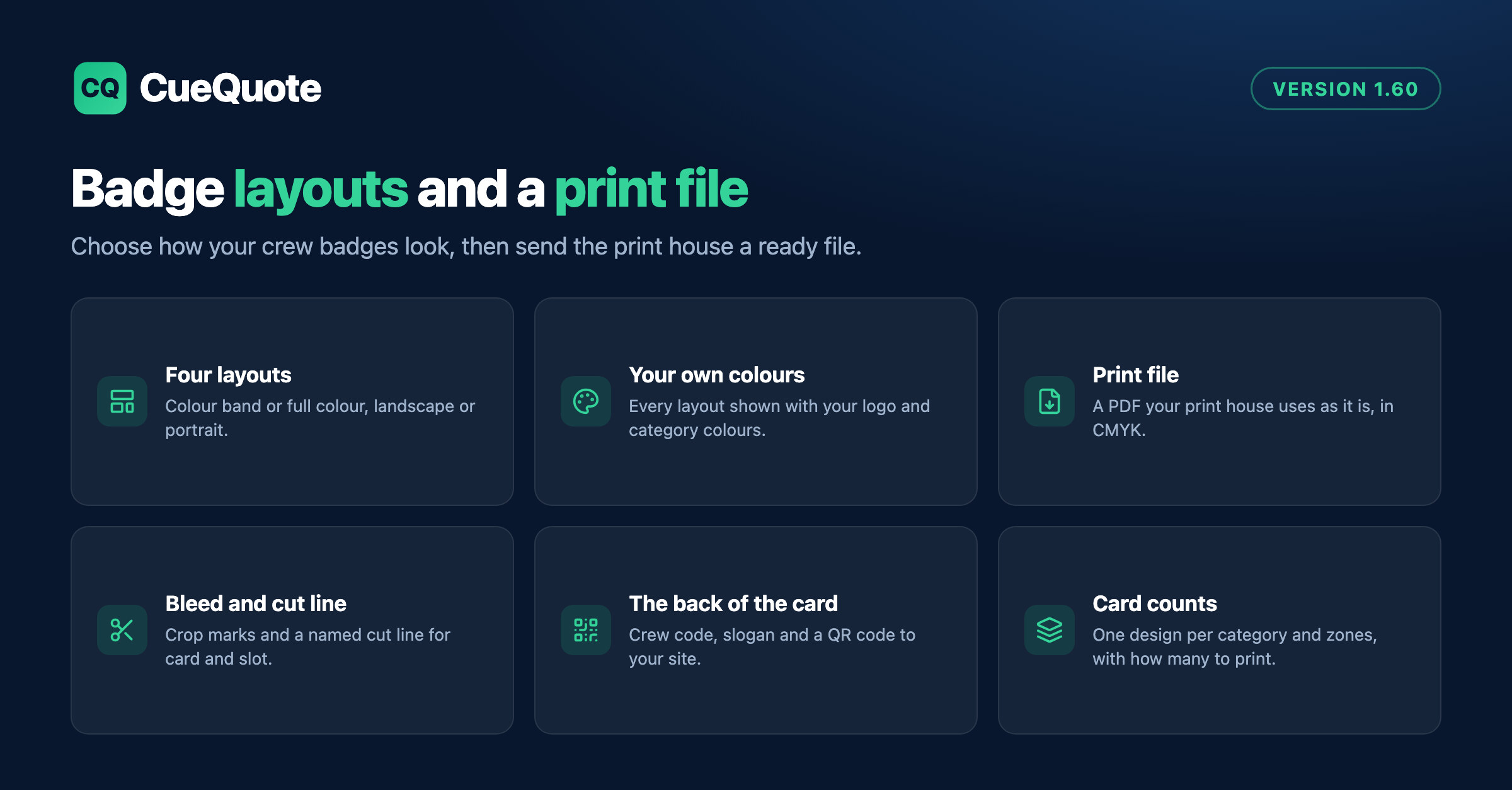
In Settings, Badges, choose one of four layouts: a colour band in landscape or portrait, or a full-colour card in landscape or portrait. Each one is drawn with your own logo and category colours, so you choose on your design rather than on a stock picture. Every layout leaves a free area on the front for the onsite label, sized from your label stock.
Ready to create proposals in minutes?
CueQuote generates professional event proposals with AI. Start free, no credit card required.
Try CueQuote Free →The back of the card now carries your logo, a heading and up to three lines per category, such as your crew code, a slogan, and a QR code that opens your website or a link you choose. You can also upload a white version of your logo for the coloured areas.
Print file downloads a PDF your print house can use as it is: CMYK colour, 3 mm bleed, crop marks, embedded fonts, and the cut line for the card and the lanyard slot in its own spot colour, named Die, CutContour or Thru-cut, as your print house asks. Give each category the CMYK values from your designer; without them the screen colour is converted, and the file tells you so.
From a job or crew event, the file holds one design per category and set of access zones that is actually booked, with how many cards of each you need. Before you download, it lists what to check, such as a missing print colour or a logo too small to print sharply. Ask your print house for a printed proof before the full run.