Version 1.59 is about the people you put on site. Everyone on a job can now have a badge and a printed name label, set up once and printed in a few clicks.
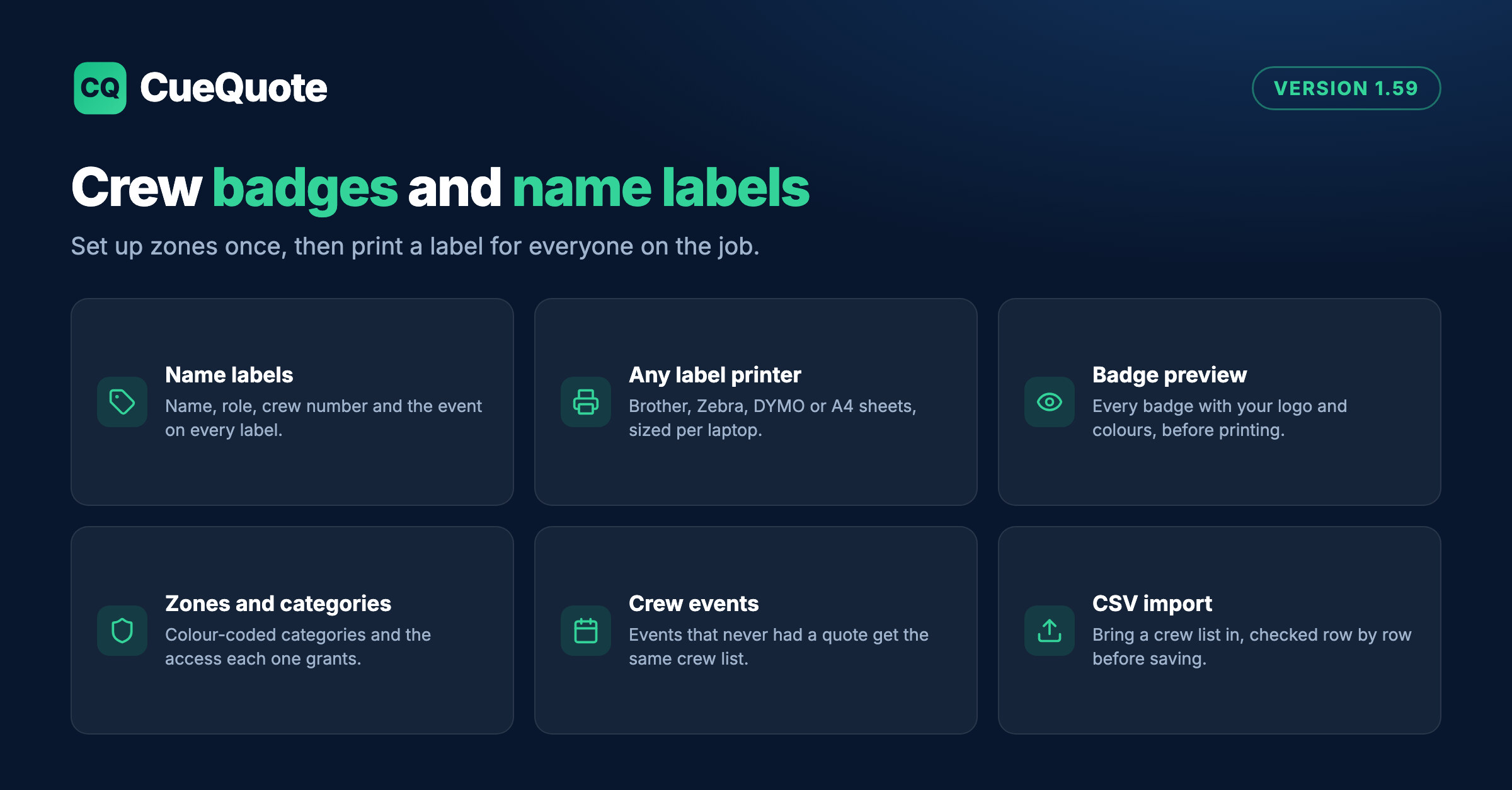
CueQuote 1.59: crew badges with access zones and onsite name labels
Start in Settings, Badges. Add your access zones, such as Stage, FOH, Control and Load-in, and your badge categories, such as AV Crew and Staff. Each category has a colour and the zones it grants by default, and it can be the default for staff or for freelancers, so most people need no editing at all. A button adds a standard set to start from, and every category shows a live badge preview with your logo and colours.
Ready to create proposals in minutes?
CueQuote generates professional event proposals with AI. Start free, no credit card required.
Try CueQuote Free →On each job, a Badges and labels card lists everyone booked. Give a person a different category, a crew number, or a zone more or less than their category grants. Click the eye to see their badge, or Number crew to fill in crew numbers in one go.
Printing works with the printer you already have. Labels come out as a PDF at the exact size of your label stock, so any printer with a normal driver prints them: a Brother, a Zebra, a DYMO, or an office printer on A4 label sheets. Each laptop remembers its own label size and a small position correction, and a test label shows whether it lines up. A name that will not fit at a readable size is flagged before printing, not printed tiny.
Some events you staff never go through a quote. Crew events, under Crew, give them a name, dates and venue, and the same crew list as a job. You can also import a crew list from CSV: people already in your crew are matched by email or name, and every row is checked before anything is saved.